


Where Does the Energy Go After Hours? Uncover Hidden Consumption
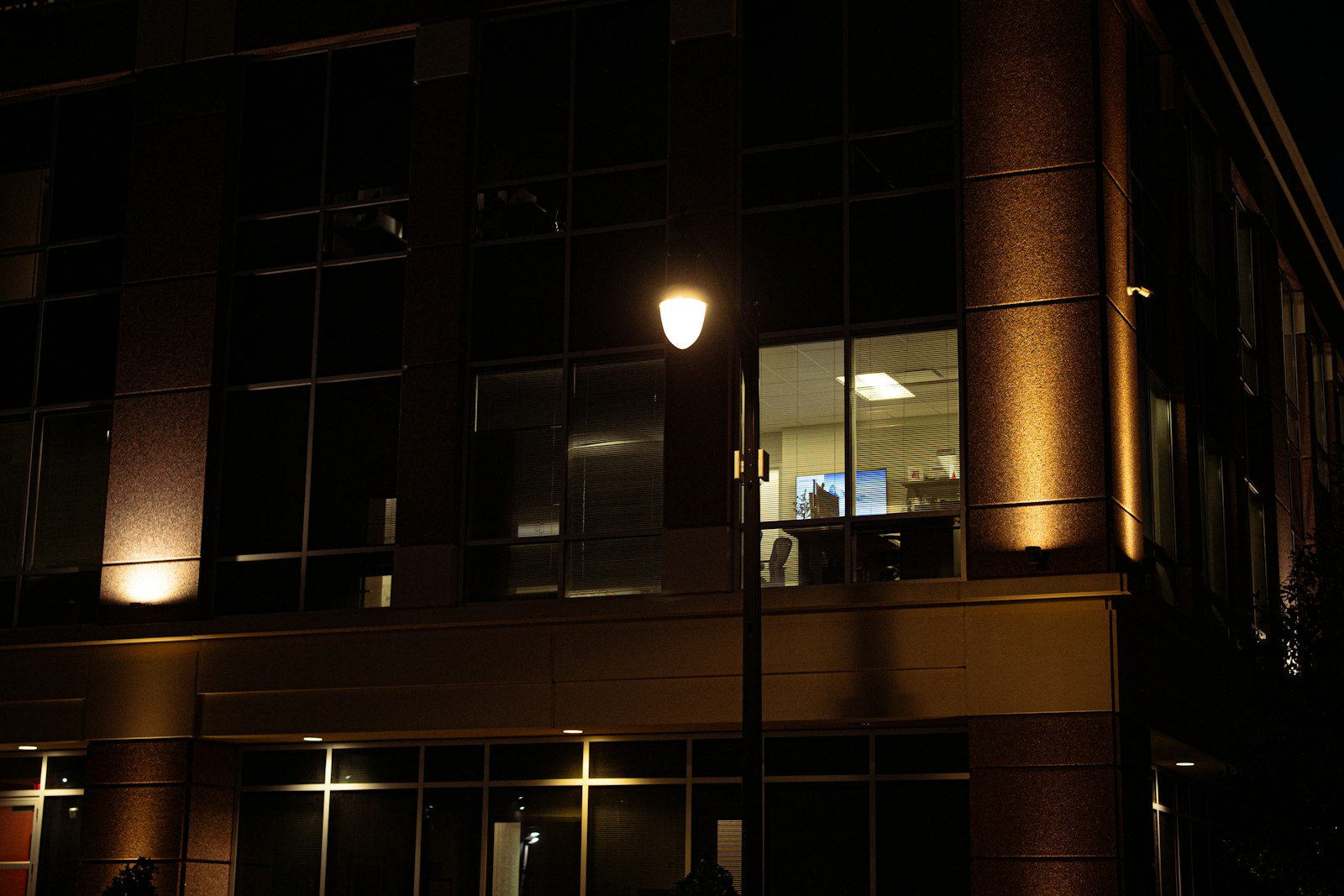
When you lock up and go home, the energy use does not stop. What runs in an empty building is often the cheapest place to start saving.
Lights in the meeting room, a forgotten printer, air conditioning still in full-occupancy mode, water heaters, a heated storage hall nobody uses. Each of these is a small item. Together they form the base load: the consumption that stays even when nobody is in the building.
Estimates differ. Some analytics providers say roughly half of annual electricity use can fall outside occupied hours, while a study of non-residential buildings in Japan found standby alone at about 14 to 20%. The gap comes from what is counted as “hidden” and how the building is controlled. That is why your own numbers matter more than anyone’s average. For a broader view of what to track in the first place, see What to monitor in a building before users notice a problem.
What hidden consumption is, and what it is not
Hidden consumption is energy a building uses when people do not actually need it. It is not always a fault. Part of the base load is legitimate: servers, security, food refrigeration or emergency lighting have to run all the time. The problem is the rest, which runs simply because nobody switched it off or nobody could see it.
Think in three groups:
- Necessary load – equipment that must run continuously (security, refrigeration, network infrastructure).
- Wasted load – lights, screens, chargers, ventilation and heating in unused areas.
- Misconfigured load – equipment that runs in the wrong mode or at the wrong time (HVAC starting hours before anyone arrives, a night setback that never kicks in).
Where energy is most often lost
| Source | Typical symptom | How to spot it |
|---|---|---|
| Lighting | Lights on in empty rooms and corridors | Circuit-level consumption at night and on weekends |
| Heating and cooling | Full mode outside operating hours, wrong schedule | Compare temperatures and consumption with the occupancy calendar |
| Office equipment | Printers, monitors, chargers and coffee machines on standby | Sub-metering by circuit or socket group |
| Hot water | Tank holds temperature all night and all weekend | Night consumption profile and schedules |
| Ventilation | Units run at full speed with nobody present | Unit consumption vs. occupancy or CO₂ data |
| Cooling and process equipment | Display cases, server room or storage cooled more than needed | Track temperature and consumption together |
Rule of thumb: Look at consumption between 2 and 4 a.m. and on weekends. The further it is from zero operation, the more there is to find.
How to find hidden consumption step by step
- Measure the night and weekend profile. A few weeks of data show the floor of your consumption, the base load.
- Split the building into circuits. One main meter tells you something is happening, not where. Sub-metering by floor, zone or system shows where.
- Compare with operations. When do people actually work, when is the shop open, when is cleaning done? Consumption outside those windows is a candidate for savings.
- Separate necessary from unnecessary. Do not underestimate what has to run all the time.
- Fix settings and check the effect. Verify schedule changes, zone shutdowns or removing standby loads on data, not on impression.
Examples from different property types
Office. Typical findings are equipment on standby, corridor lighting and air conditioning set for full occupancy at weekends. Sub-metering by floor shows the worst one.
Retail unit. Signage, window lighting and refrigeration continue after closing. You need to separate what should stay on deliberately from what was simply left on.
Warehouse. Heating or cooling of unused halls, forklift chargers at night and aisle lighting. Zones often pay off when controlled separately.
Studio or showroom. Display lighting and equipment on standby. Scheduling plus watching exceptions is usually enough.
Hidden consumption and solar PV
If the building has solar panels, the gap between day and night is even more visible. During the day production covers part of the load, while at night and at weekends the base load keeps running with no solar contribution. Showing production and consumption together reveals what is used on site and when energy goes to the grid. Avoid promising specific returns: the real effect depends on operations, orientation and plant size.
Monitoring that lasts
A one-off audit helps, but settings drift back over time. That is why continuous monitoring pays off:
- Base-load threshold – an alert when night-time demand exceeds the usual level.
- Calendar comparison – weekends and holidays have a different profile from working days.
- Change alerts – a sudden jump in night consumption usually means newly switched-on equipment or a fault.
- A clear recipient – the alert goes to whoever can fix it.
Checklist: hidden consumption under control
- Night and weekend profile – you know your building’s base load.
- Sub-metering – you know which floor, zone or system uses energy outside operating hours.
- Schedules – heating, cooling, ventilation and lighting match real operations.
- List of equipment that must run – everything else has a defined switch-off time.
- Standby load – printers, chargers and screens are switched off together.
- Deviation alerts – increased night-time demand does not go unnoticed.
- Checks after changes – you verify the effect of adjustments on data.
- Responsible person – someone knows what to do when an alert arrives.
FAQ
How much energy does a building really use outside operating hours?
It depends on the building type, the equipment and the settings. Estimates from different sources vary widely, so it is best to rely on your own night and weekend measurements.
Is one main meter enough?
It shows that night consumption is high, but not why. To find the cause you need metering by circuit or device.
Is hidden consumption always a mistake?
No. Some of it is legitimate, such as security, refrigeration or network infrastructure. The goal is to separate necessary from unnecessary.
Do I have to replace equipment in the building?
Often not. Adjusting schedules and adding measurement that connects to existing technology goes a long way.
How quickly does a change show up?
The night profile changes right after the setting is adjusted. On the bill the effect appears after one or two billing periods, depending on the reading interval.
From sensor to real action
After-hours monitoring only makes sense if it leads to a concrete step. Consumption data from sub-meters and sensors therefore flows to one place and is clearly visible in the INTECHI client zone. When night demand leaves its usual profile, the alert goes to the person who handles it, and in one step it becomes a service request in INTECHI Digital Management. Devices are registered, so it is clear what runs in which property. You can start with one floor or one system and extend the solution step by step. Learn more on the smart technologies page at intechi.cz.
How INTECHI solves it
INTECHI TECHNOLOGY combines consumption metering, sensors, automation and, where relevant, solar PV into one overview, so you can see where energy goes even when the building stands empty. We use the same technology as INTECHI at intechi.cz. If you want to know how much your building uses at night and at weekends, get in touch.